

A page behind the code
Digital business card with a QR code
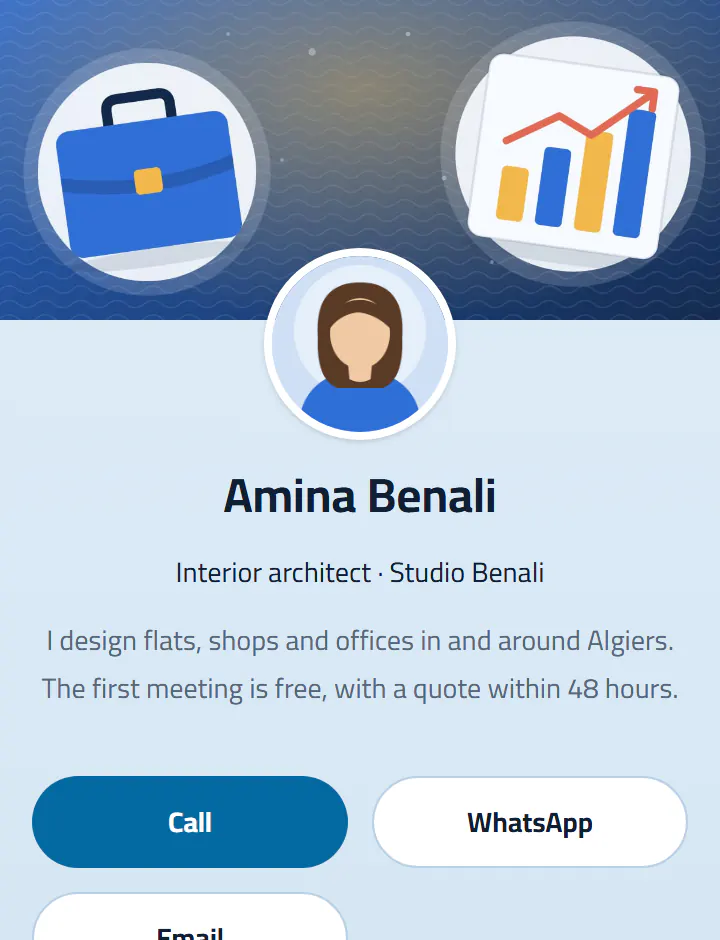
A mobile page in your name: call, write on WhatsApp, save your contact, see your social links and your work. Your details change? So does the page; the printed code stays.
A free account: your card and two more pages.
Ideas
- On the back of a printed business card.
- In your email signature and as your video-call background.
- On a trade-show badge or stand.
How it works
- 1Create your account and choose the kind of page.
- 2Fill in the sections: text, photos, buttons, opening hours…
- 3Publish and print its QR code: the page updates without reprinting.
Questions
- Is it free?
- Yes: the card and two more pages are free. VIP adds themes, longer statistics, and removes the Taarefni mention.
- Do people scanning need to install anything?
- No. The page opens in the browser, and the contact saves in one gesture.