

A page behind the code
Links page: all your links behind one QR code
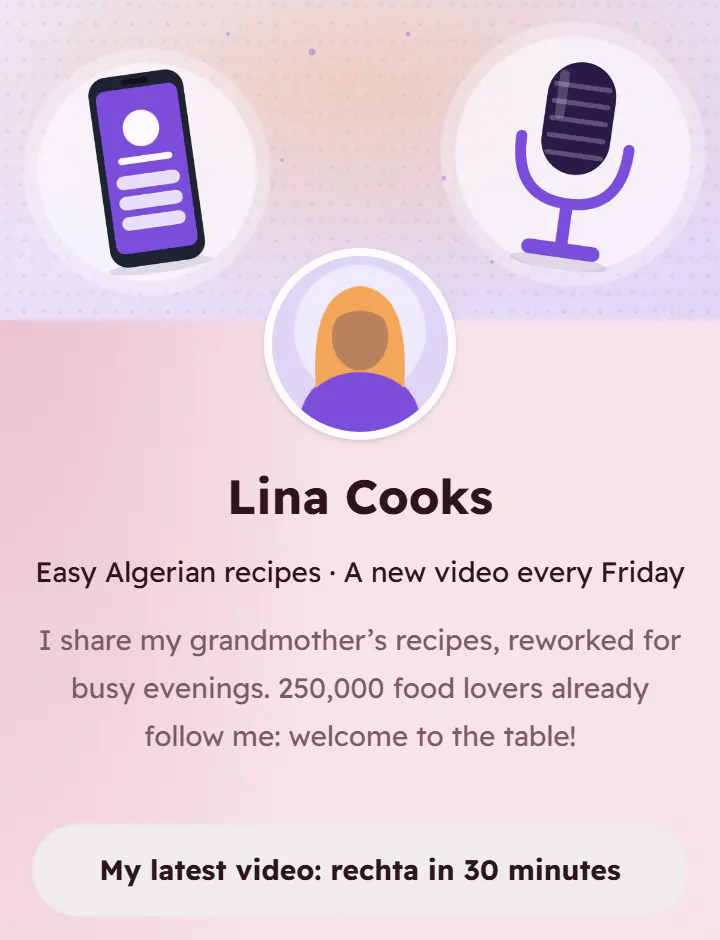
One address for all your links: social networks, shop, videos, WhatsApp. Put it in your Instagram or TikTok bio, or behind a single printed code.
A free account: your card and two more pages.
Ideas
- In your Instagram, TikTok or Facebook bio.
- On a poster, for all your networks at once.
- For an artist, a creator or an association.
How it works
- 1Create your account and choose the kind of page.
- 2Fill in the sections: text, photos, buttons, opening hours…
- 3Publish and print its QR code: the page updates without reprinting.
Questions
- Can I count the clicks on each link?
- Yes: tick “Count clicks” under a button, and its clicks appear in your statistics.
- In several languages?
- Yes: the page can exist in French, Arabic and English, and the visitor chooses.