

A page behind the code
A page for your business, behind a QR code
Everything your customers look for, on one page: your opening hours, your address on the map, your phone and WhatsApp, your products, your photos.
A free account: your card and two more pages.
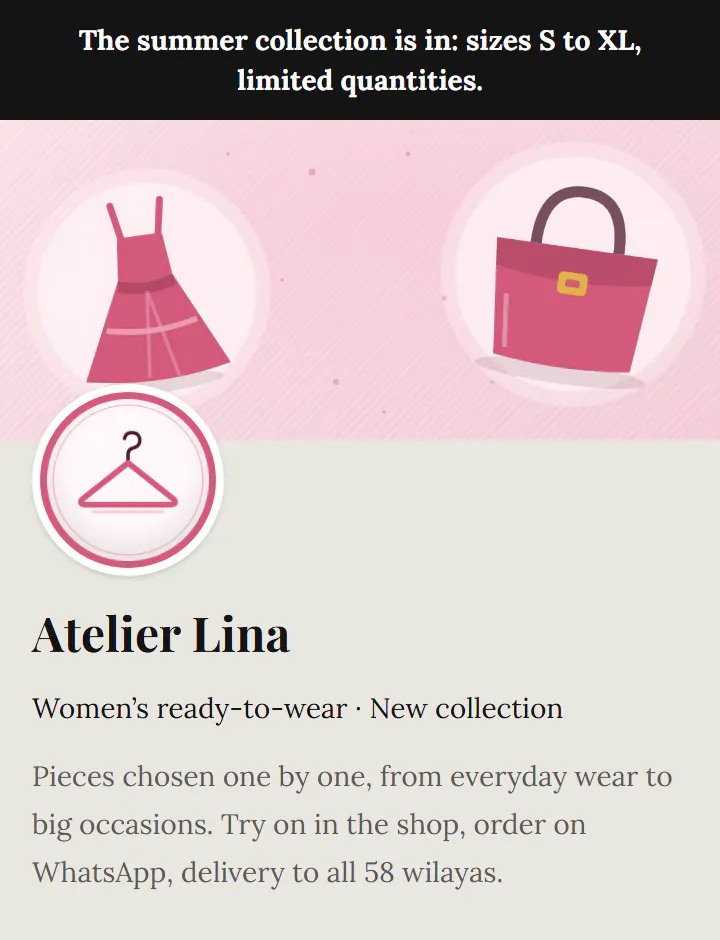
Ideas
- On the shop window, for opening hours and contact.
- On bags and loyalty cards.
- On a sign or a vehicle.
How it works
- 1Create your account and choose the kind of page.
- 2Fill in the sections: text, photos, buttons, opening hours…
- 3Publish and print its QR code: the page updates without reprinting.
Questions
- Which sections can I add?
- Opening hours, map, contact, gallery, catalogue, menu, coupon, form, reviews, video, questions… more than twenty.
- Can I start from a template?
- Yes: restaurant, café, bakery, salon, pharmacy, practice, school… the useful sections are already in place.